

Inputs
| Parameter Name | Data Type | Description |
|---|---|---|
conditioning_1 | CONDITIONING | The first conditioning input to be combined. It has equal importance with conditioning_2 in the combination process. |
conditioning_2 | CONDITIONING | The second conditioning input to be combined. It has equal importance with conditioning_1 in the combination process. |
Outputs
| Parameter Name | Data Type | Description |
|---|---|---|
conditioning | CONDITIONING | The result of combining conditioning_1 and conditioning_2, encapsulating the merged information. |
Usage Scenarios
Compare the two groups below: the left side uses the ConditioningCombine node, while the right side shows normal output.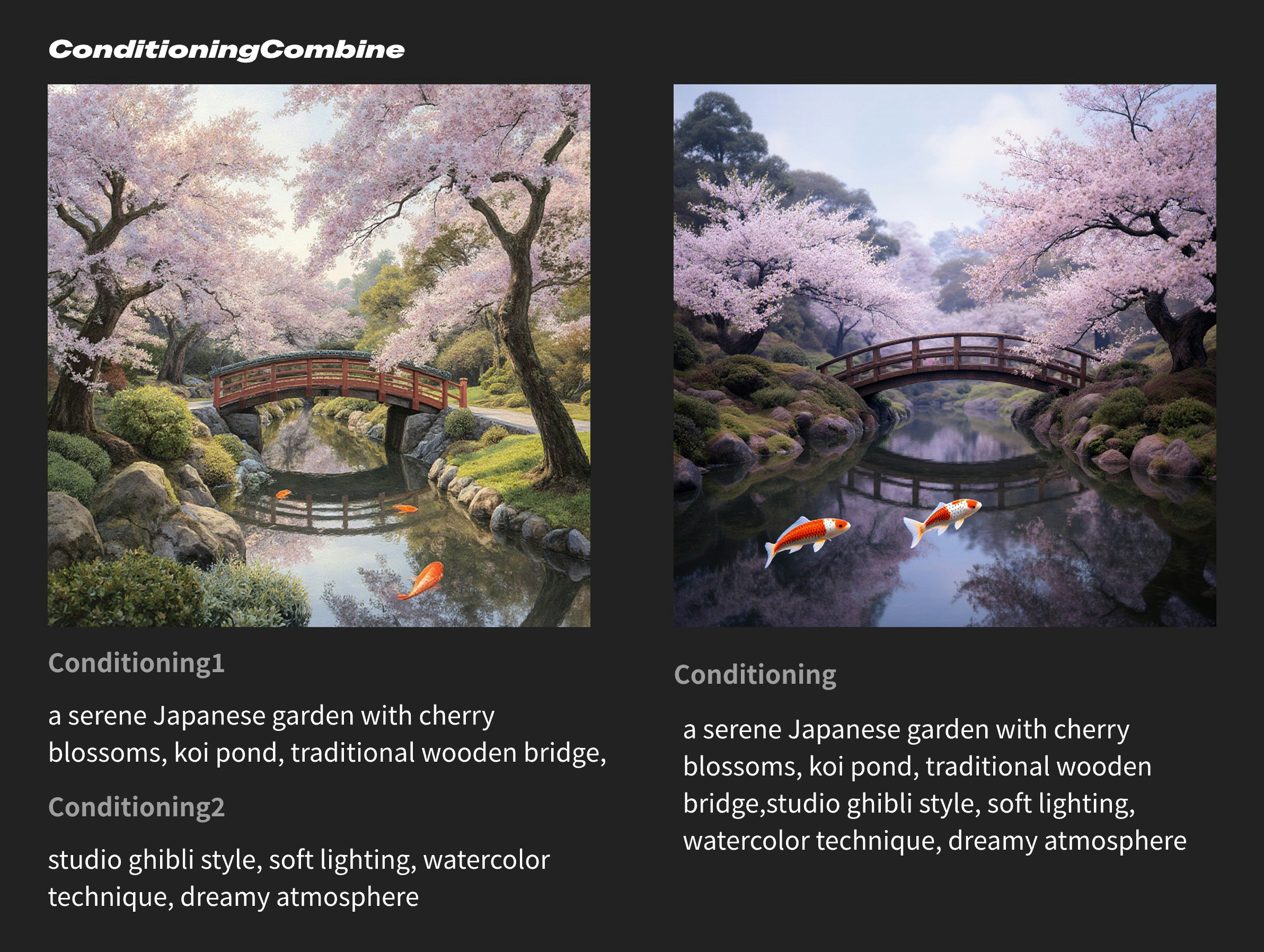
Conditioning Combine have equivalent importance. Therefore, you can use different text encodings for image style, subject features, etc., allowing the prompt features to be output more completely. The second prompt uses the combined complete prompt, but semantic understanding may encode completely different conditions.
Using this node, you can achieve:
- Basic text merging: Connect the outputs of two
CLIP Text Encodenodes to the two input ports ofConditioning Combine - Complex prompt combination: Combine positive and negative prompts, or separately encode main descriptions and style descriptions before merging
- Conditional chain combination: Multiple
Conditioning Combinenodes can be used in series to achieve gradual combination of multiple conditions